SIMTEL Mobile - eSIM Companion Plan
Add mobile data to your watch for only $10 per month!
Stay connected - right from your wrist!
- Connect compatible Apple & Samsung smartwatches to the Telstra network
- Make calls, send messages, and use data directly from your smartwatch
- No need to carry your phone—stay connected on the go
- Share the same mobile number across your phone and smartwatch
Why get the eSIM Companion Plan?
Here are some benefits!
Go Phone-Free
Leave your phone behind while working out, running errands, or on the go
Stay Reachable
Use the same number across
your phone and smartwatch
Feel Secure
Access emergency features and location services when it matters.
Eligible Device Requirements
Supported Smartphones
To use a companion plan, your phone must support eSIM.
-
Apple
iPhone 6 series and above (including SE) -
Samsung
Galaxy S8 series+, Note 5+, Z Fold & Z Flip series, A5 (2017), J2 Pro -
Google
Not Supported for smartwatch pairing
Supported Smartwatches
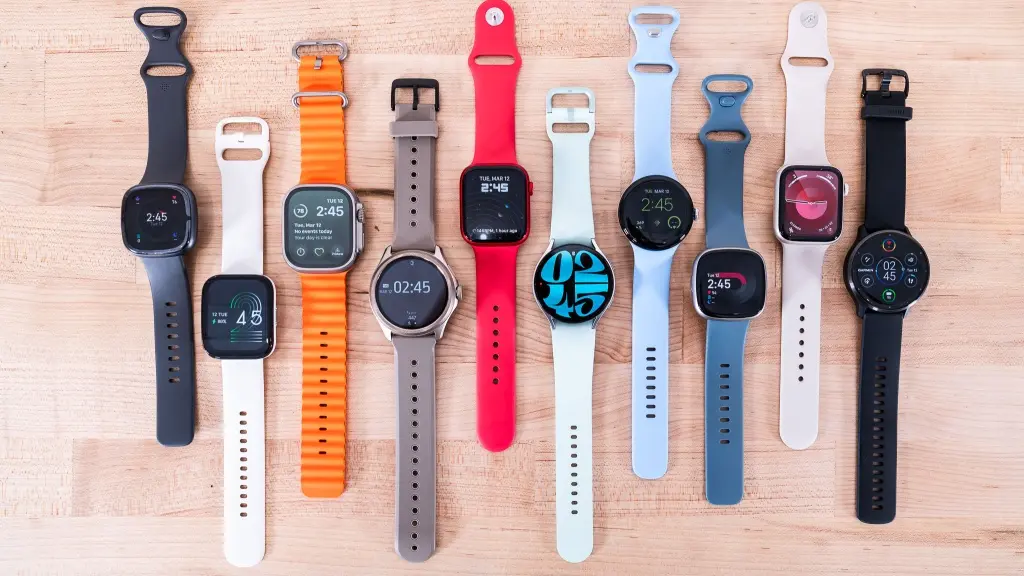
You must have a GPS + Cellular model Smartwatch (these contain the necessary eSIM).
-
Apple
Apple Watch: Series 4 and later, including Ultra. -
Samsung
Samsung Galaxy Watch: Active2, Watch 3 series, and Watch 4 Ultra or later. -
Google
Not Supported for smartwatch pairing
Things to Consider
What you need to know to use the Companion Plan to its fullest potential.
Key Features
- eSIM-only
- Single number (One Number)
- Seamless calling across devices
Important Notes
- No native SMS/MMS
- Messaging via apps (iMessage, WhatsApp)
- Device capabilities may vary
Domestic Use Only
- Designed for Australia (domestic use only)
- Roaming not supported
Update your Tech
Ensure both devices are running the latest software/OS versions.
Plan Eligibility
- Only 5G Mobile Plans supported
- Includes 45GB & 60GB Mobile Pooling Plans
- Data-only plans are not eligible
Device Exclusivity
- Works only with cellular Apple & Samsung smartwatches and must be used with the same family (Apple iPhone to Apple Watch)
- Not supported on phones, tablets, or other devices
How to set up your eSIM Companion Plan
Here are instructions on how to set up your eSIM Companion Plan on your smartwatch.
Set up in App:
- Go to your watch app.
- Go to Mobile or Cellular.
- Select Set Up Mobile Plan.
- Click on Set Up Mobile Plan.
Connection to Companion Plan:
- Click "connect" when prompted.
- Enter your Mobile Number and your Pin Number. The Pin Number is your SIMTEL Account Number. Hit "continue".
- Enter the One-Time-Pin that was sent via SMS and hit verify. You will need to wait for everything to process.
- Read details, click ”Accept & add device”
- Your subscription should now be confirmed. Press "done". Please contact us if this does not show up.
Set up in App:
- Go to your watch app.
- Go to Watch Settings.
- Go to Mobile Plans.
- Click on Next.
Connection to Companion Plan:
- Click "connect" when prompted.
- Enter your Mobile Number and your Pin Number. The Pin Number is your SIMTEL Account Number. Hit "continue".
- Enter the One-Time-Pin that was sent via SMS and hit verify. You will need to wait for everything to process.
- Read details, click ”Accept & add device”
- Your subscription should now be confirmed. Press "done". Please contact us if this does not show up.